Examples
Documentation
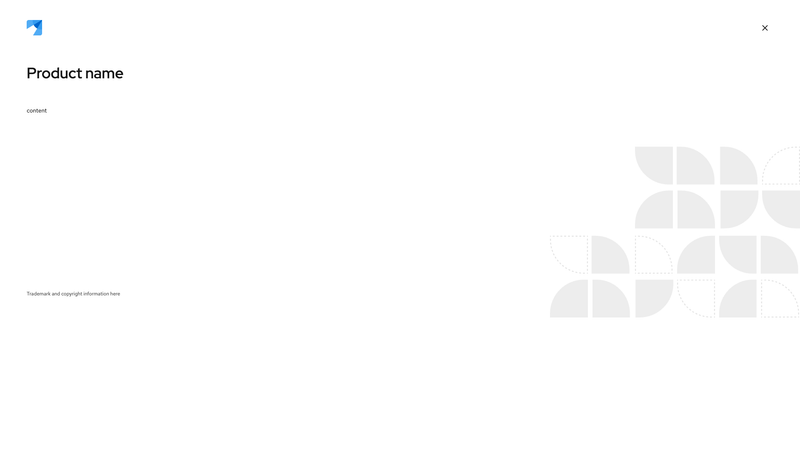
In order to add a background image, set the --pf-v6-c-about-modal-box--BackgroundImage CSS variable to the path of the image. For example: --pf-v6-c-about-modal-box--BackgroundImage: url(custom/path/image.jpg);
Accessibility
Attribute | Applies to | Outcome |
|---|---|---|
aria-label="Close Dialog" | .pf-v6-c-modal-box__close .pf-v6-c-button | Provides an accessible name for the close button as it uses an icon instead of text. Required |
Usage
Class | Applied to | Outcome |
|---|---|---|
.pf-v6-c-about-modal-box | <div>, <article> | Initiates a modal box. |
.pf-v6-c-about-modal-box__brand | <div> | Initiates a modal box brand cell. |
.pf-v6-c-about-modal-box__brand-image | <img> | Initiates a modal box brand image. |
.pf-v6-c-about-modal-box__close | <div> | Initiates a modal box close cell. |
.pf-v6-c-about-modal-box__header | <div>, <header> | Initiates a modal box header cell. |
.pf-v6-c-about-modal-box__content | <div> | Initiates a modal box content cell. |
.pf-v6-c-about-modal-box__body | <div> | Initiates a modal box body cell. |
.pf-v6-c-about-modal-box__strapline | <p> | Initiates a modal box strapline cell. |
--pf-v6-c-about-modal-box--BackgroundImage | .pf-v6-c-about-modal-box | Sets the background image for the about modal. |