Examples
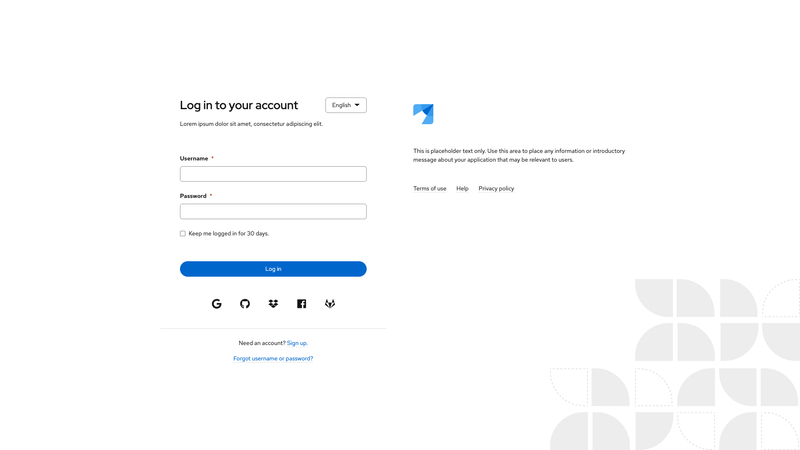
Documentation
Usage
Class | Applied to | Outcome |
|---|---|---|
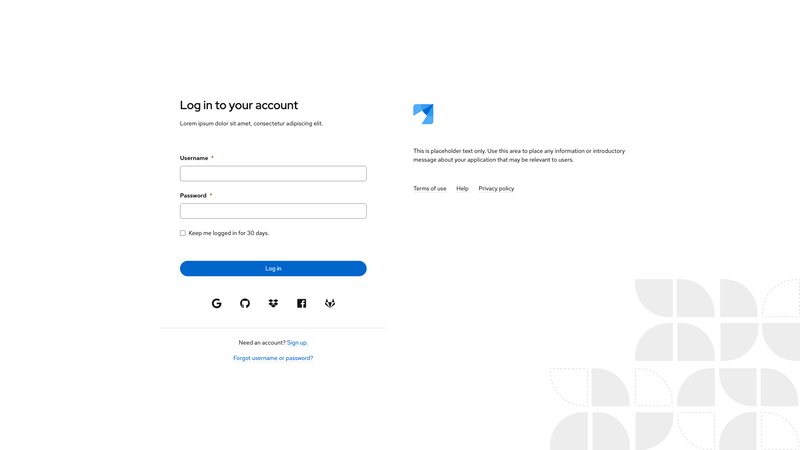
.pf-v6-c-login | <div> | Initializes the login component. Required |
.pf-v6-c-login__container | <div> | Positions the login component content. Required |
.pf-v6-c-login__header | <header> | Positions the login header. Required |
.pf-v6-c-login__header .pf-v6-c-brand | <img> | Creates a brand image inside of login header. Required |
.pf-v6-c-login__main | <main> | Positions the login main area. Required |
.pf-v6-c-login__main-header | <div> | Creates the header of the main area. Required |
.pf-v6-c-login__main-header .pf-v6-c-title | <h1>,<h2>,<h3>,<h4>,<h5>,<h6> | Creates a title in the main header area. Required |
.pf-v6-c-login__main-header-desc | <p> | Creates the description in the main area header. |
.pf-v6-c-login__main-header-utilities | <div> | Creates a utilities section in the main header area. Note: For use with a language selector menu. |
.pf-v6-c-login__main-body | <div> | Creates the body of the main area. Required |
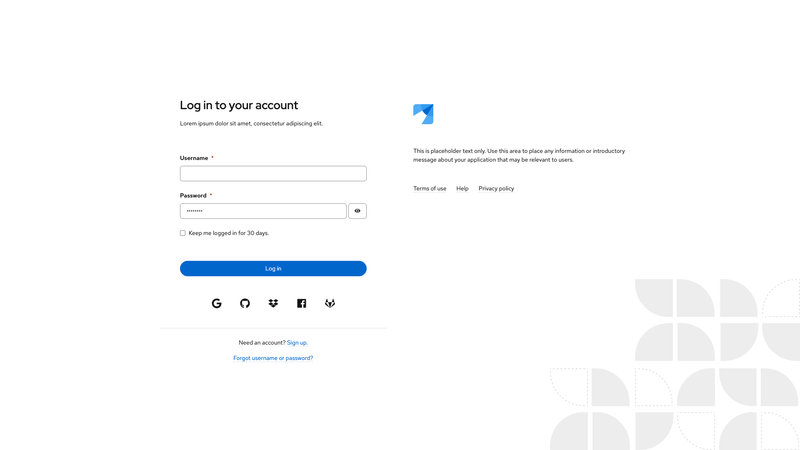
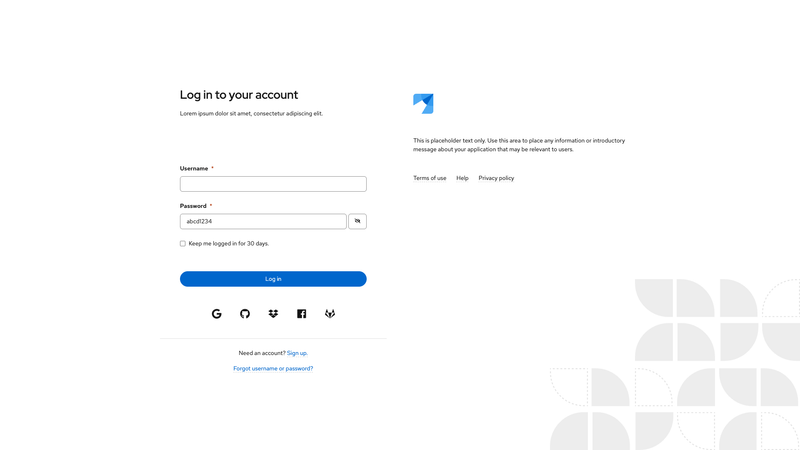
.pf-v6-c-login__main-body .pf-v6-c-form | <form> | Creates the login form in the main body area. Required |
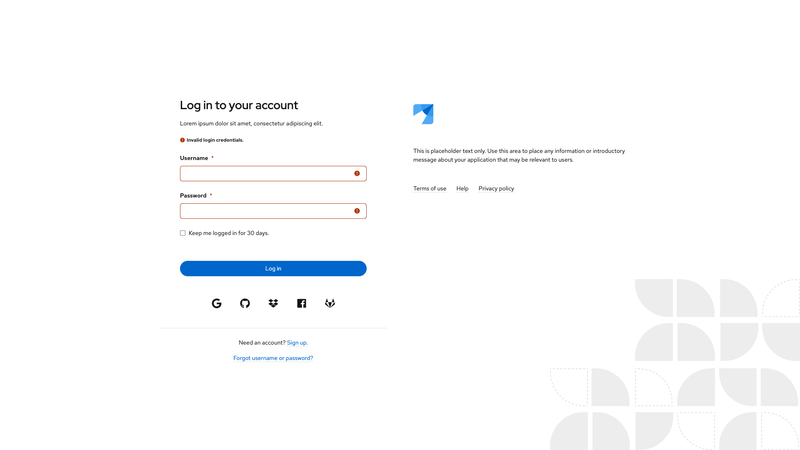
.pf-v6-c-login__main-body .pf-v6-c-form .pf-v6-c-form-helper-text | <form> | Creates the error messages shown when the form has errors. When not active, apply .pf-m-hidden. Required |
.pf-v6-c-login__main-footer | <div> | Creates the footer of the main area. Required |
.pf-v6-c-login__main-footer-links | <ul> | Creates a list of links in the main footer. Required |
.pf-v6-c-login__main-footer-links-item | <li> | Creates proper spacing for links in the main footer. Required |
.pf-v6-c-login__main-footer-links-item-link | <a> | Creates link in links list in footer. Required |
.pf-v6-c-login__main-footer-band | <div> | Styles a band in the footer. |
.pf-v6-c-login__main-footer-band-item | <p> | Adds information to the band in the footer. |
.pf-v6-c-login__footer | <footer> | Positions the login footer. Required |
.pf-v6-c-login__footer .pf-v6-c-list | <ul> | Creates a list of links in the login footer. Required |